Vanity addresses
Pro
A Pro feature. Upgrading a single form doesn't include it. See Plans & pricing.
Choosing one
- Open the shared link from its form.
- Under the link, choose Choose a vanity address, type the name you want, and Save.
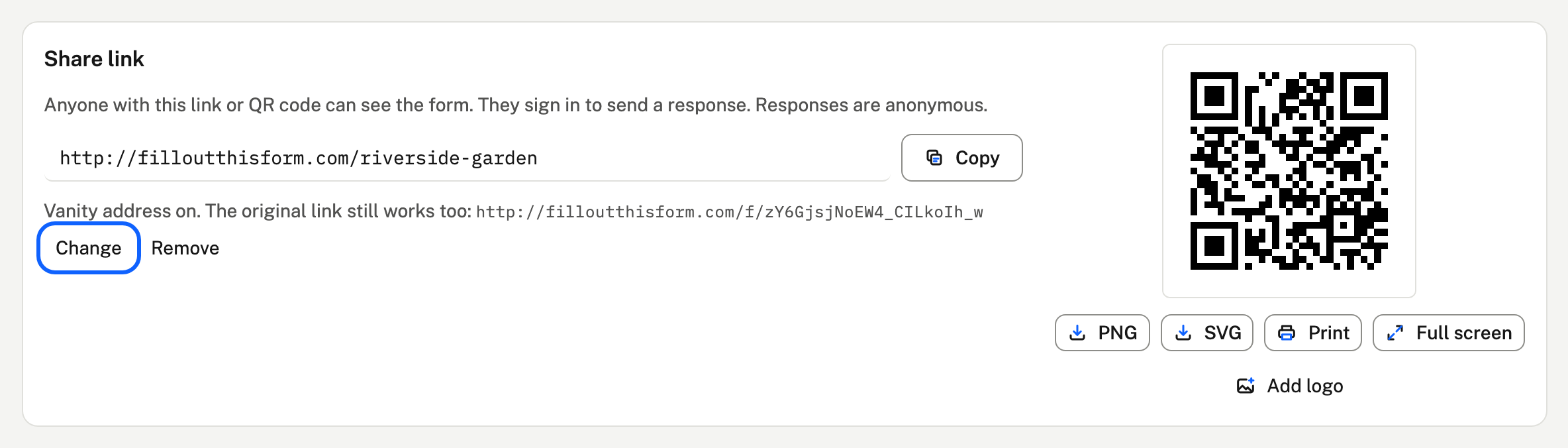
- The link's share address, QR code and button for your site all use it from then on.
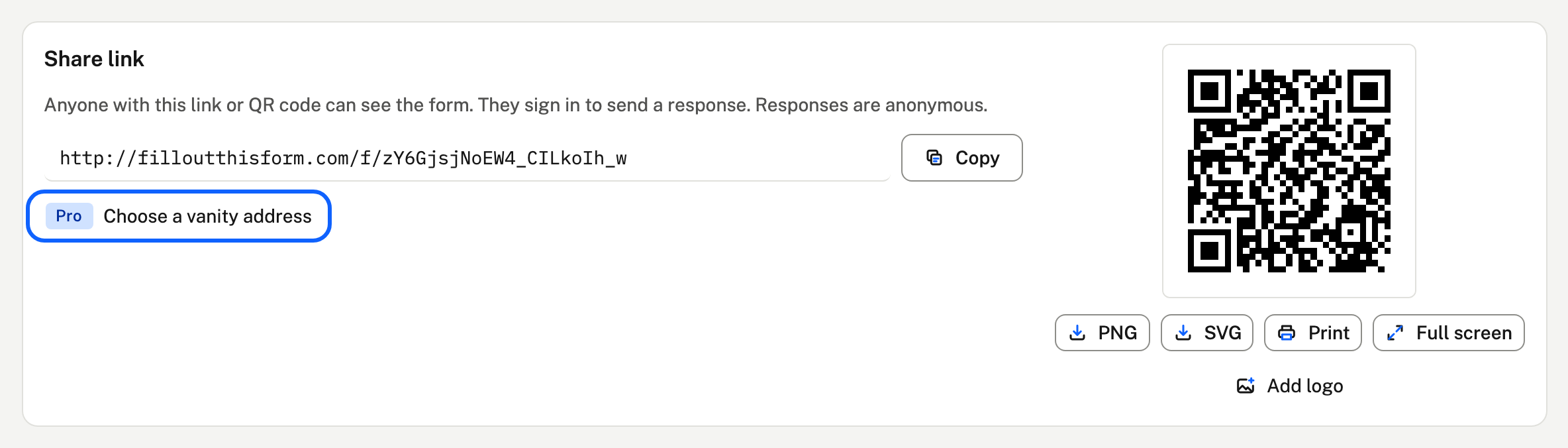
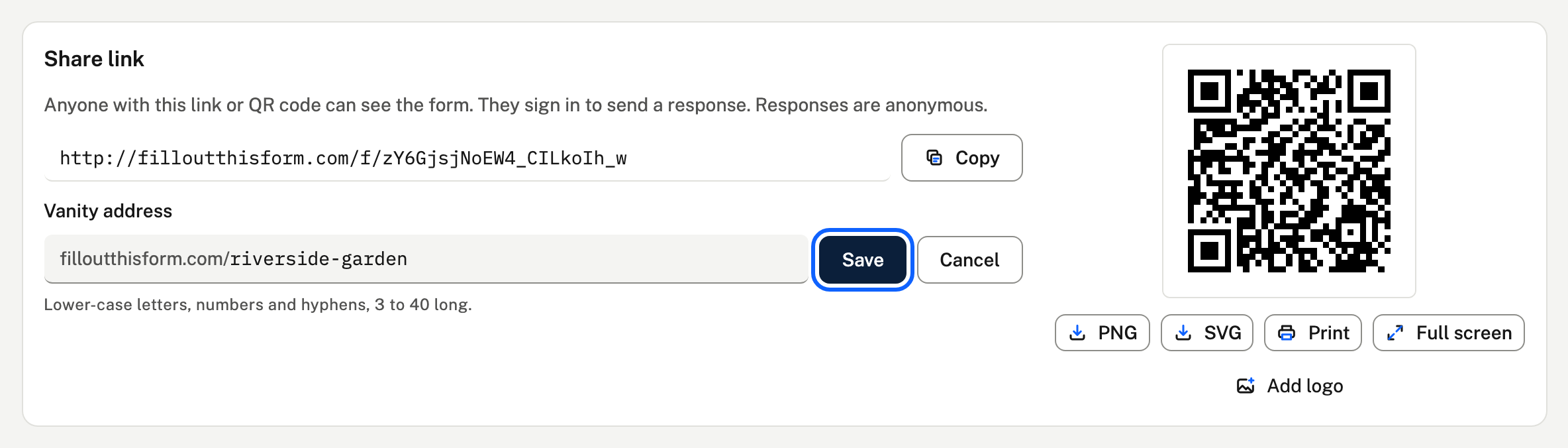
Names are 3 to 40 lower-case letters, numbers and single hyphens, and each one belongs to a single link across the whole site, first come first served. Words the site uses for its own pages (like forms or login) can't be taken.
How it works
- The original link (
/f/…) keeps working, so anything you've already sent still reaches the same form. - Responses through either address land in the same link's data folder, and its restrictions (a password, an email list, limits) apply to both.
- Change picks a new name, and the old one stops working straight away. Remove goes back to the original link only.
- Deleting the link frees its name.
- Owners and the project's editors can choose or change it.
If your Pro ends
The vanity address stops answering, and people who visit it see "Link not found". The original link carries on. The name stays yours, and works again as soon as you have Pro.