Password protection
Pro
A paid feature: part of Pro, or of upgrading a single form. See Plans & pricing.
Setting a password
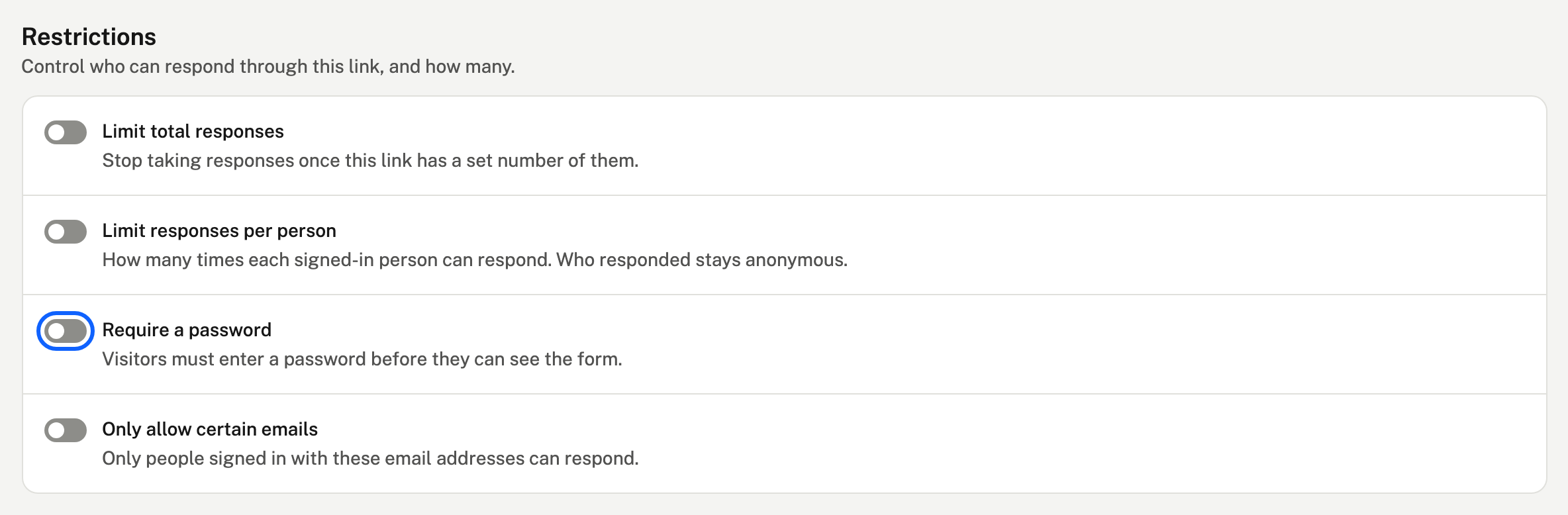
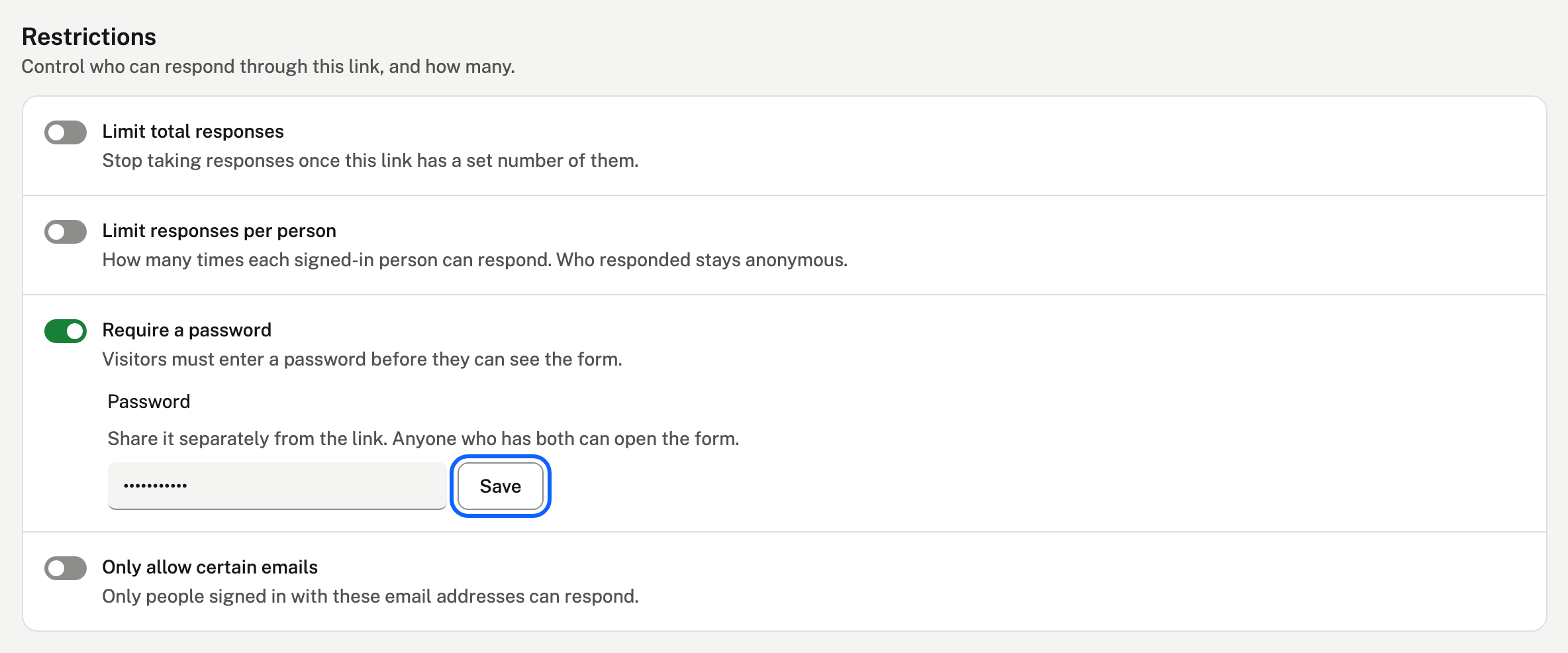
On a link's page, under Restrictions, choose Require a password and type one. Each link has its own password.
What visitors see
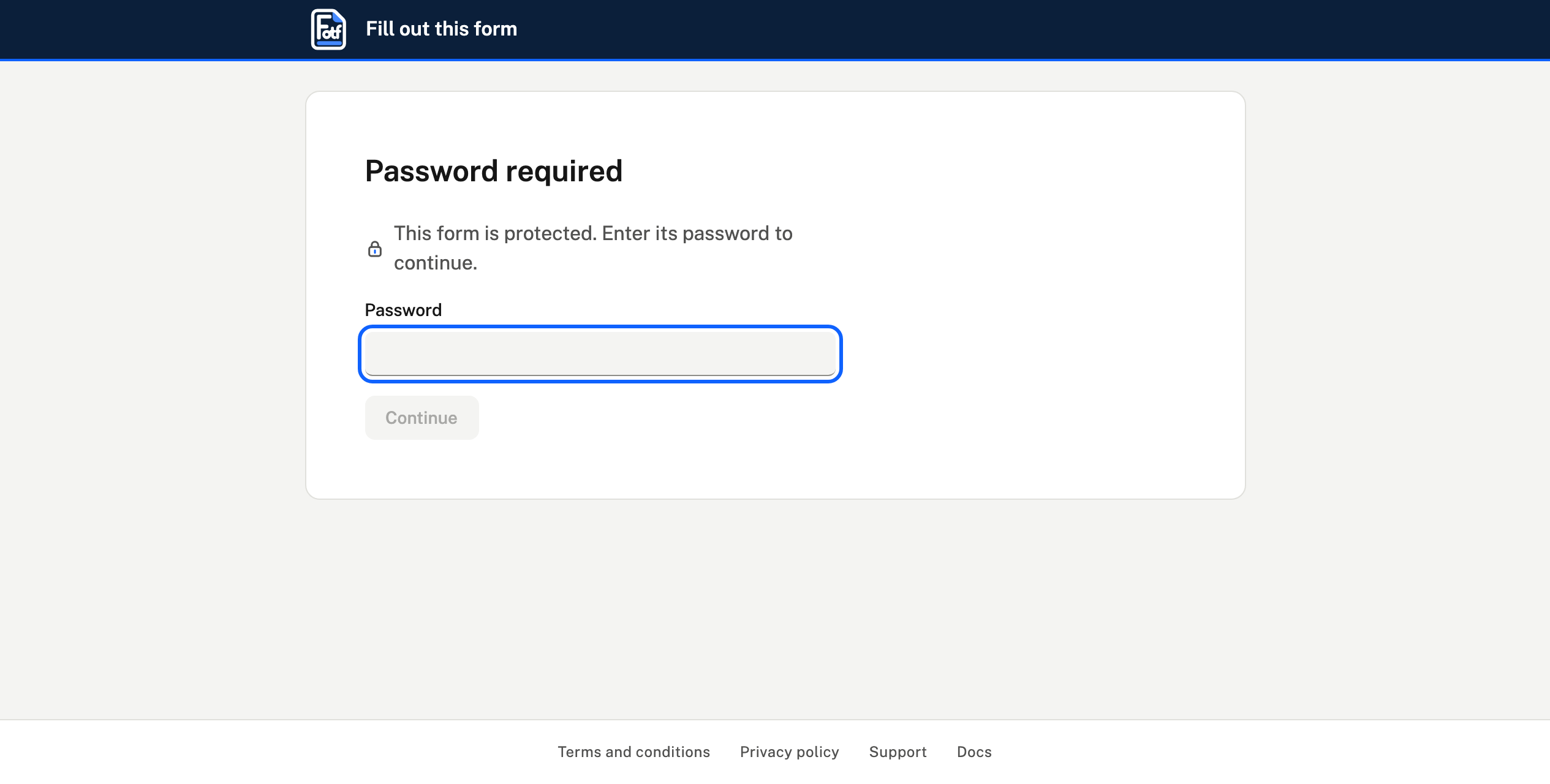
- They must enter the password before they can see anything.
- Changing the password locks everyone out again until they enter the new one.
Changing it
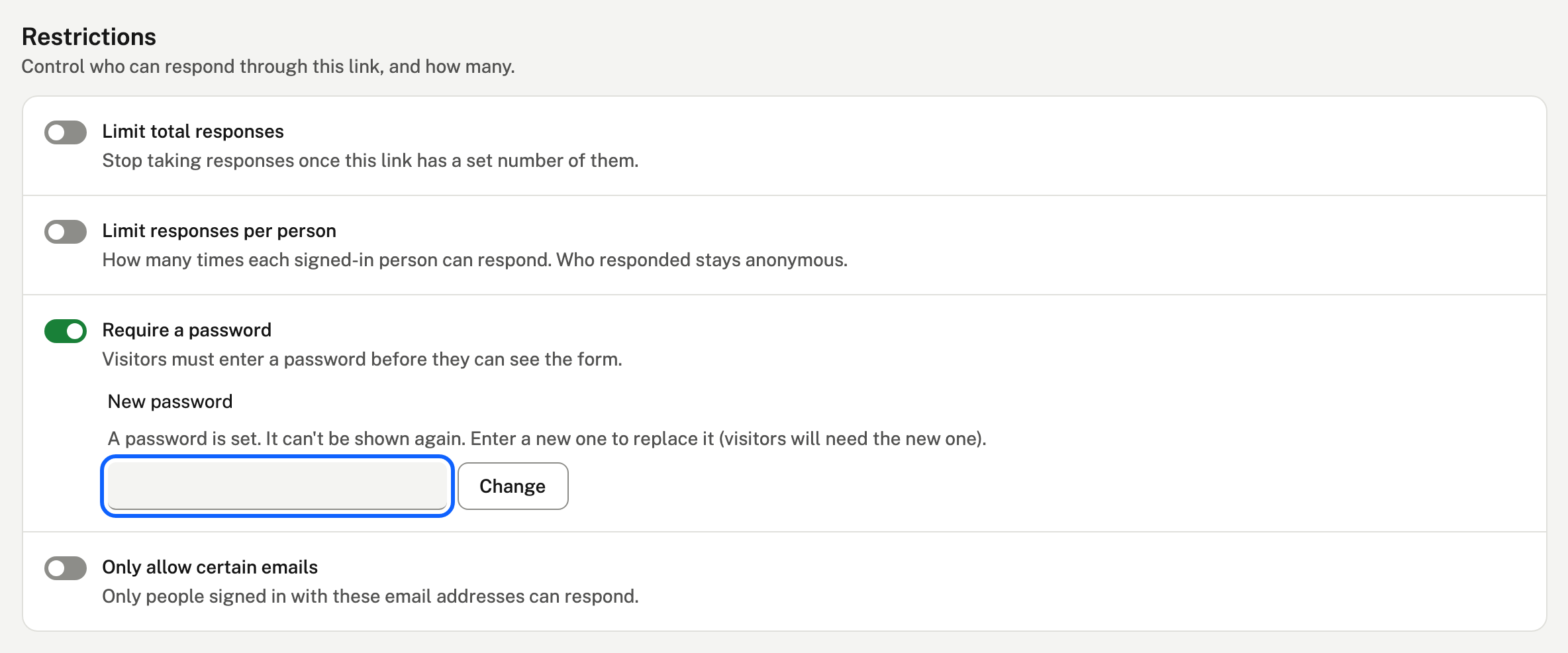
A saved password can't be shown again. Type a new one and choose Change.
If your paid plan ends, a password you've already set keeps working and can be removed, but not changed until you upgrade again.