Response limits
Pro
A paid feature: part of Pro, or of upgrading a single form. See Plans & pricing.
Limit total responses
On a link's page, under Restrictions, set how many responses the link takes (up to 1,000,000).
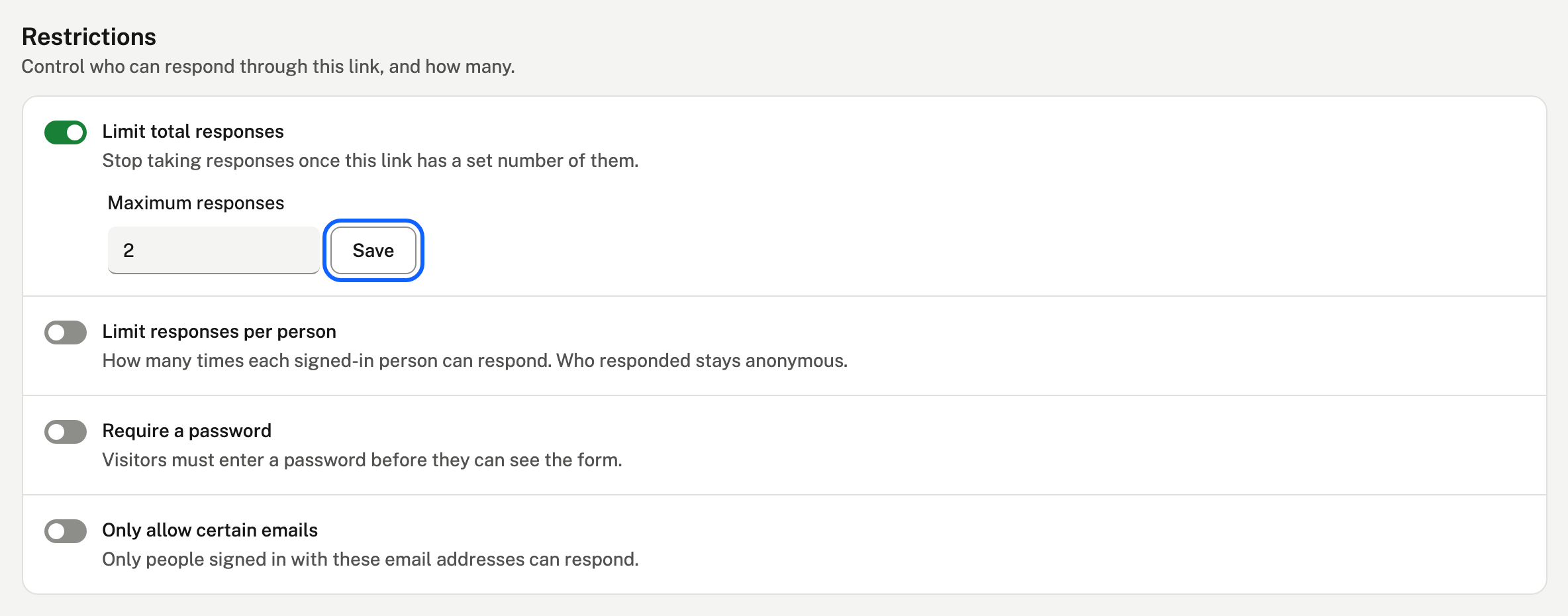
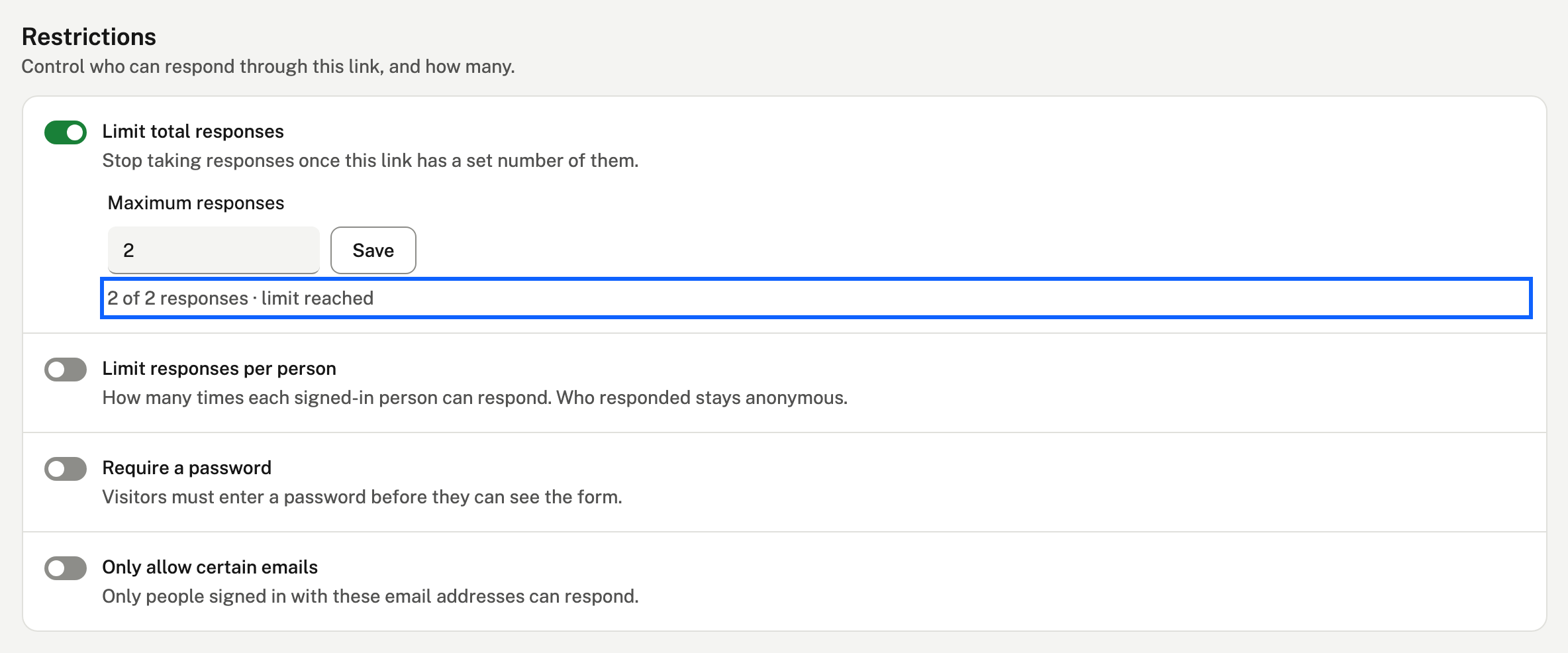
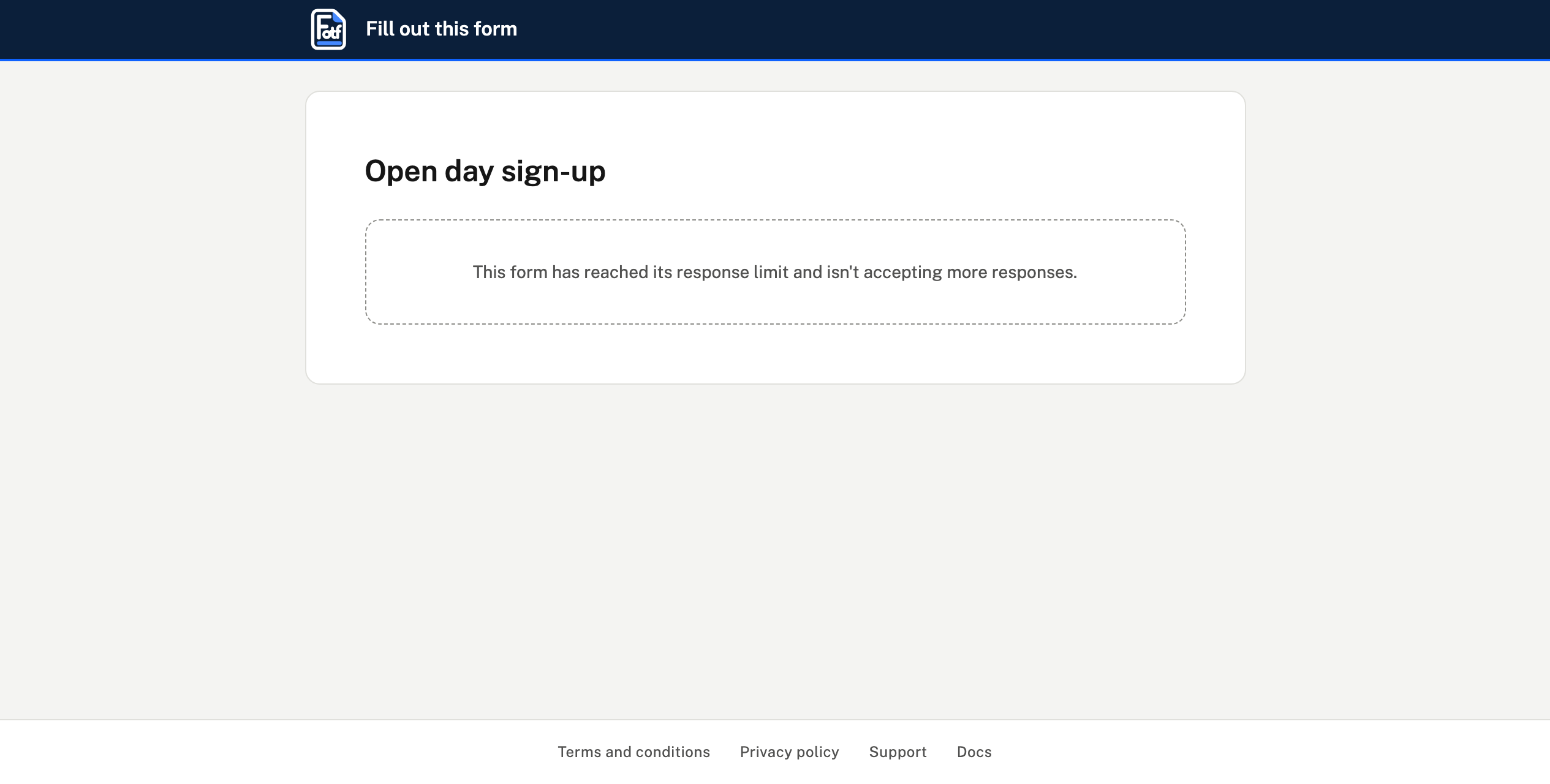
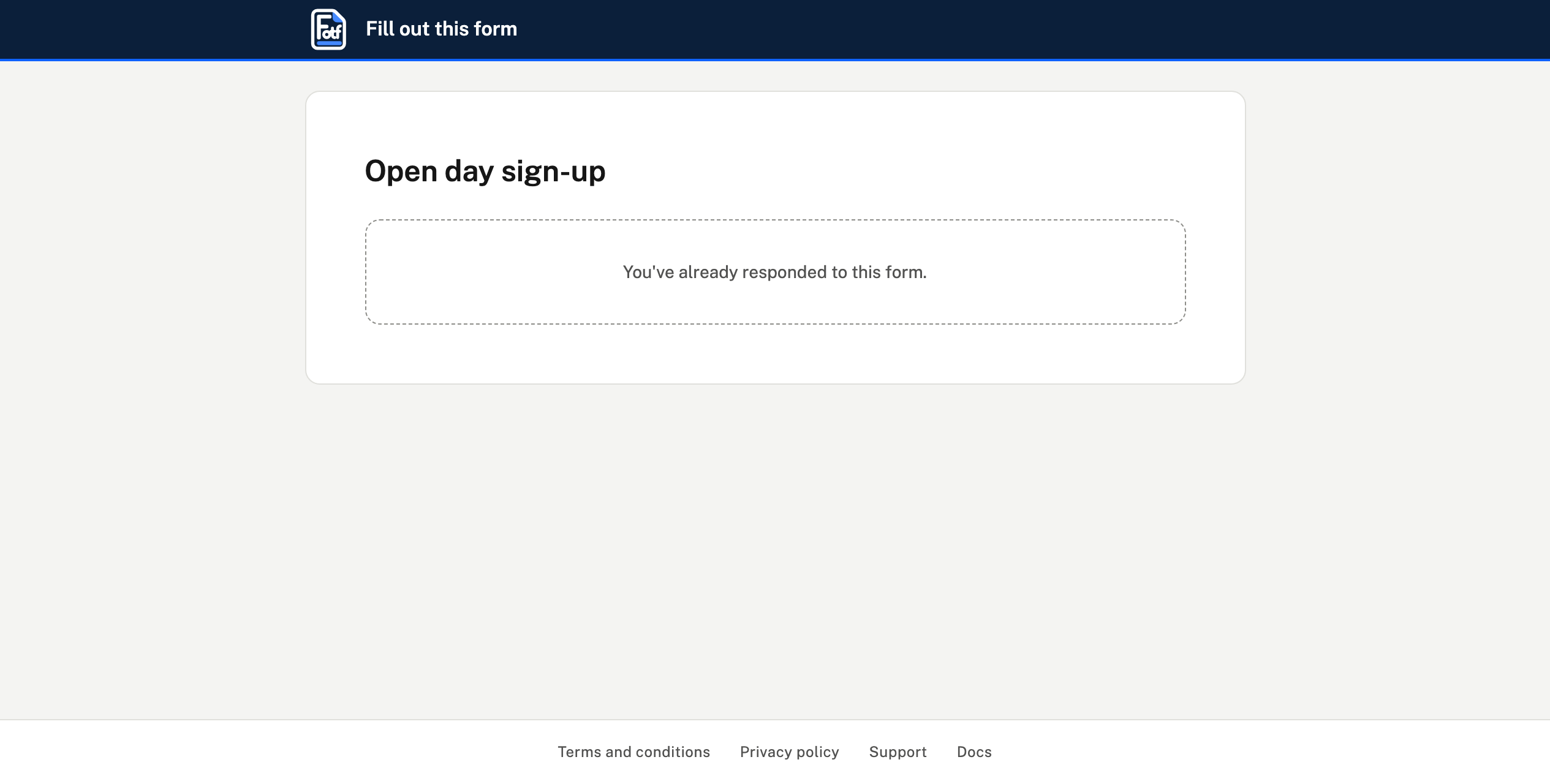
- Once it has that many, visitors see a message instead of the form.
- Each link has its own limit, so two links to one form can have different caps.
Limit responses per person
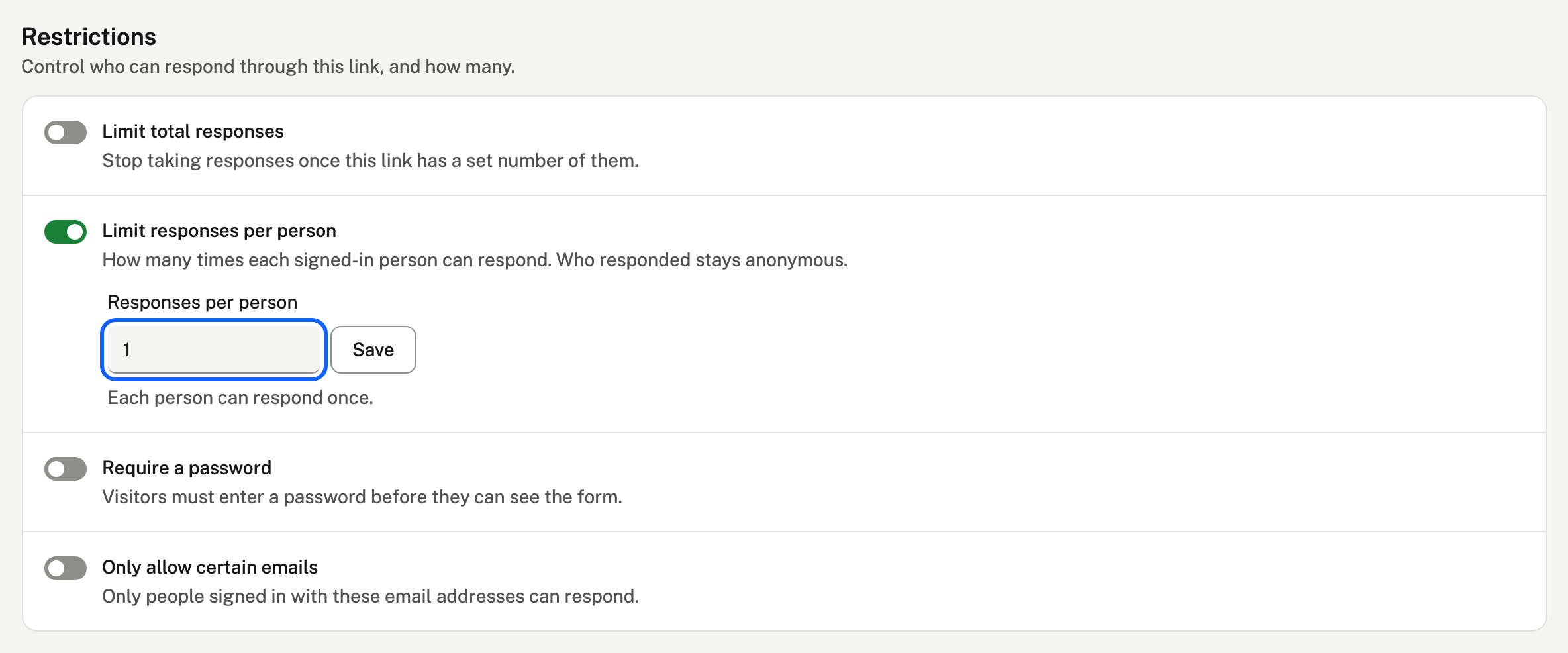
Set how many times each person can respond through the link, for example once each.
- People sign in with their email to respond, which is how they're counted.
- Counting doesn't record who they are: responses stay anonymous.
Open between dates
Also under Restrictions, Open between dates sets when the link starts taking responses, when it stops, or both. Times are in your own time zone. Before it opens people see "This form isn't open yet", and after it closes, "This form has closed".
Open at certain hours does the same every day, for example 9:00 am to 5:00 pm. It uses the time zone your browser is in, and a closing time before the opening time runs past midnight. Outside the hours, people are told when the form is open.
If your paid plan ends, limits you've already set keep working and can be removed, but not changed until you upgrade again.